A Jobber alternative that grows without the per-user bill
Jobber is a solid, well-designed product for small service businesses. Where teams start looking around is the pricing model — a plan fee plus a charge per extra user — and the fact that you adapt to Jobber rather than the other way round.
No credit card · from $12 /user/mo · vs. Jobber at $49–$249/mo + per user
| Side by side | SiteWorks | Jobber |
|---|---|---|
| Software cost | from $12/user/mo, all in | $49–$249/mo plus per-user fees |
| Work orders, scheduling, dispatch | Yes | Yes |
| Photo proof & customer sign-off | Yes (Pro) | Yes |
| Quotes, invoicing & purchase orders | Yes | Quotes & invoices; limited POs |
| QuickBooks Online sync | Yes | Yes |
| Customized to your workflow | Yes — we build it your way | Off the shelf |
| Project management alongside it | Yes — same login | — |
| Who you call for help | The people who built it | Support queue |
Jobber figures are publicly reported list prices as of 2026 and vary by configuration, region and negotiation. SiteWorks is not affiliated with, endorsed by, or partnered with Jobber. Check their current pricing before deciding.
Jobber is a good choice if you want a polished product you can sign up for tonight, your process already matches how it works, and you do not need it bent to fit anything unusual.
SiteWorks makes sense when your process is not standard — a job type, an approval step, a report nobody else offers — and you would rather the software match your business than retrain your crew around someone else’s assumptions.
Dispatch to paid, in one system.
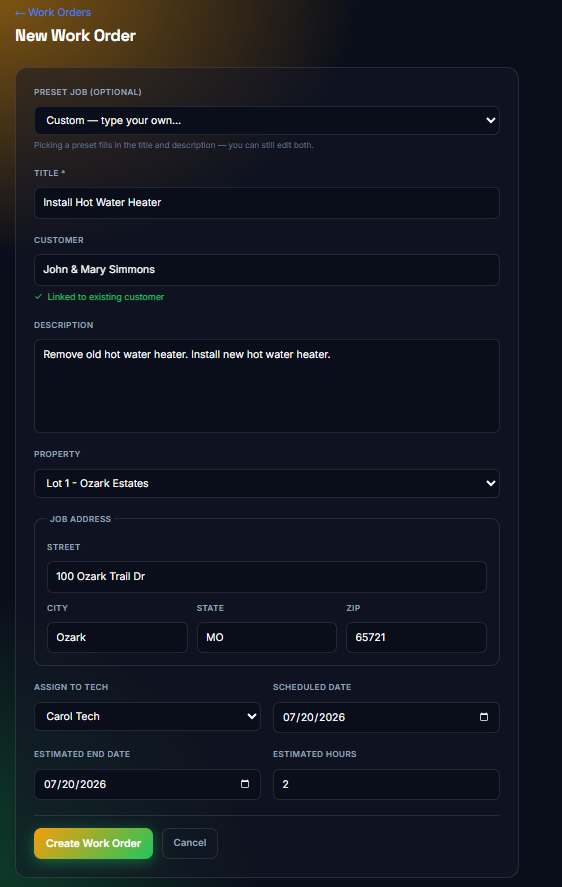
Work orders and a preset job library, drag-and-drop scheduling, photo proof and customer sign-off on site, invoicing that bills the hours and materials your crew logged, and a one-click push to QuickBooks.
No credit card. We load your data and walk you through it.